
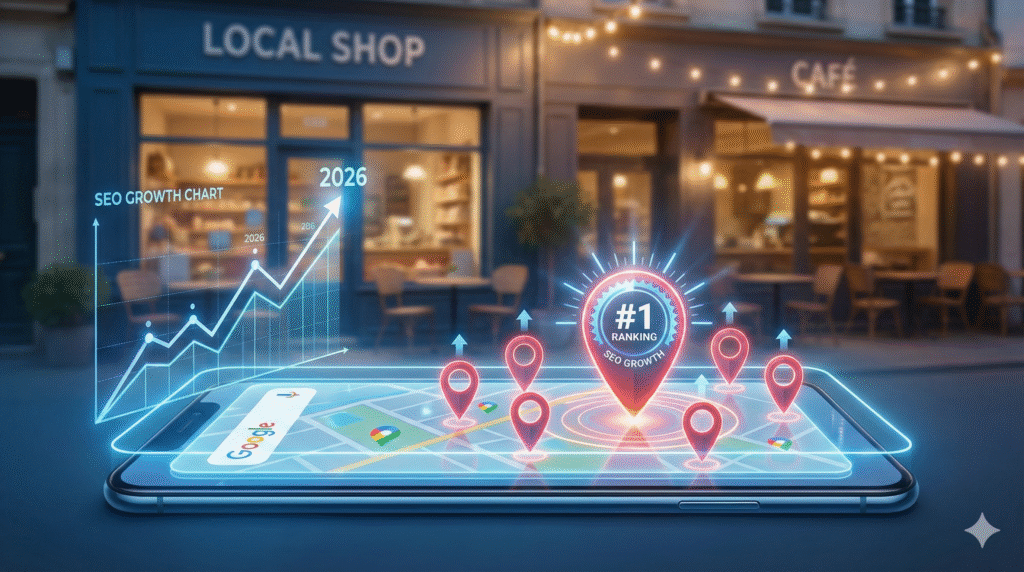
Why Google Maps Ranking Is No Longer Optional
Think about the last time you searched for a restaurant, a salon, a hospital, or a mobile shop. You probably typed something like “best salon near me” or “AC repair nearby.” And what showed up first? Not websites. Not social media. Google Maps.
In 2026, Google Maps is no longer just a navigation tool. It has become the biggest traffic and customer-generating machine for local businesses. If your business is ranking on the top 3 results of Google Maps, you are already winning. You get more calls, more walk-ins, more trust, and more sales—without spending on ads.
But here’s the problem:
Most local business owners still don’t know how Google Maps ranking actually works. Many create a profile and forget about it. Others make mistakes that silently kill their ranking.
This guide will show you, step by step, how to rank your local business on Google Maps, even if you are in a small city or facing tough competition. Whether you run a shop, clinic, agency, gym, restaurant, or service business—this guide is for you.
How Google Maps Ranking Actually Works
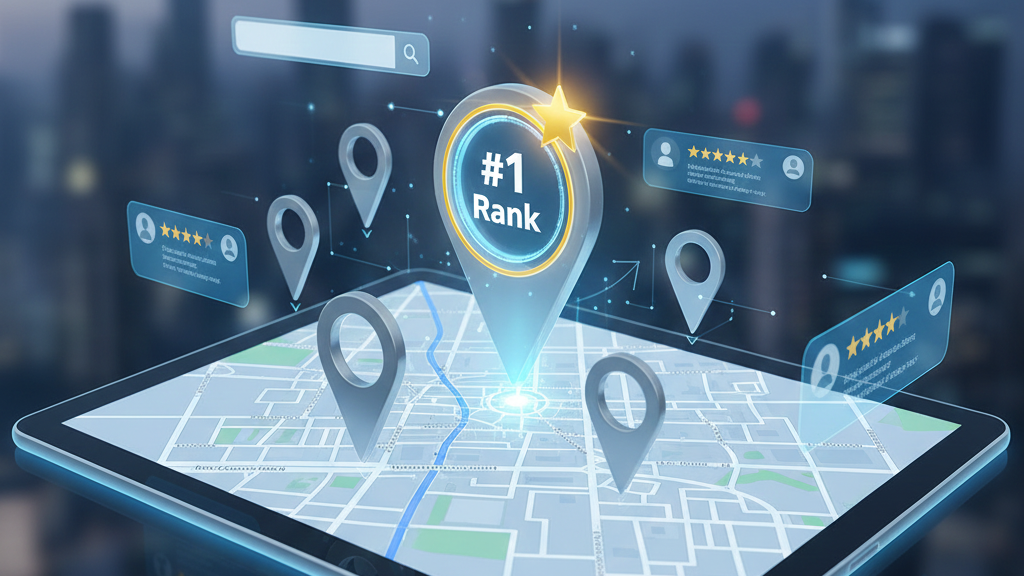
Before you learn how to rank, you must understand what Google really looks at when deciding which business to show on top.
Google uses three main factors:
1. Relevance
How closely your business profile matches the user’s search.
If someone searches “digital marketing agency in Darbhanga” and your profile only says “marketing services,” your relevance is weak.
2. Distance
How close your business is to the searcher’s location.
You can’t control this completely, but you can help Google understand your location clearly.
3. Prominence
This is your online authority and trust.
It depends on:
- Reviews & ratings
- Citations
- Website
- Brand searches
- Backlinks
If your business looks popular and trusted online, Google pushes it higher.
You don’t need tricks. You need clarity, consistency, and activity.
Step 1: Create & Verify Your Google Business Profile Properly
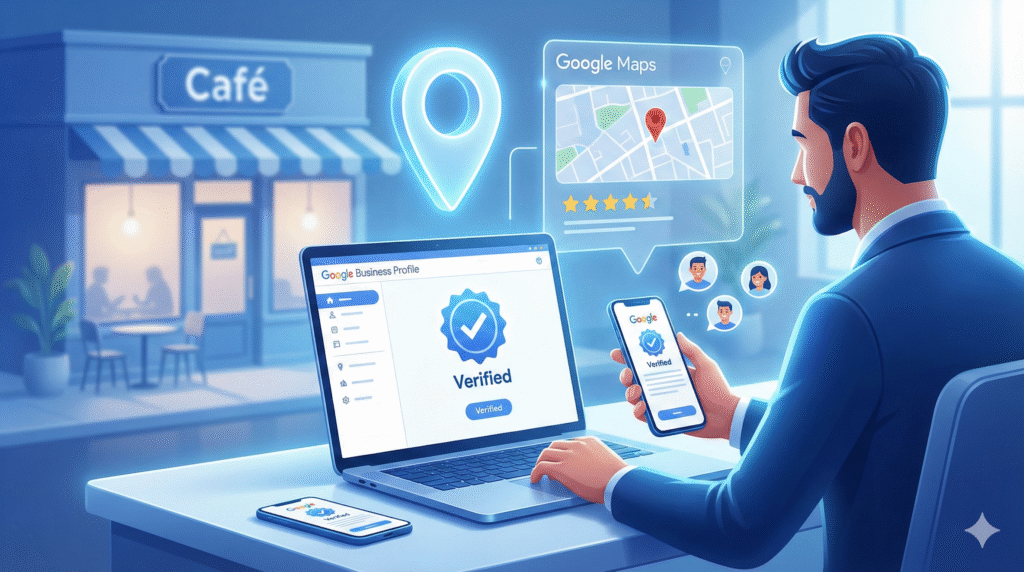
Everything starts with your Google Business Profile (GBP)—formerly known as Google My Business.
If you haven’t created one yet, you are invisible on Google Maps.
How to Create Your Profile
- Go to Google and search: “Google Business Profile”
- Sign in with your Gmail
- Enter your business name
- Choose the correct business category
- Add address, phone number, and website
- Submit for verification
Verification Methods
Google may verify your business using:
- OTP on mobile
- Video verification
- Live video call
- Postcard (rare now)
Until your profile is verified, you will NOT rank.
Common Mistakes to Avoid
- Using fake address
- Adding multiple profiles for one location
- Using wrong category
- Using mobile number that is always switched off
One wrong step here can block your ranking for months.
Step 2: Optimize Your Business Profile Like a Local SEO Expert
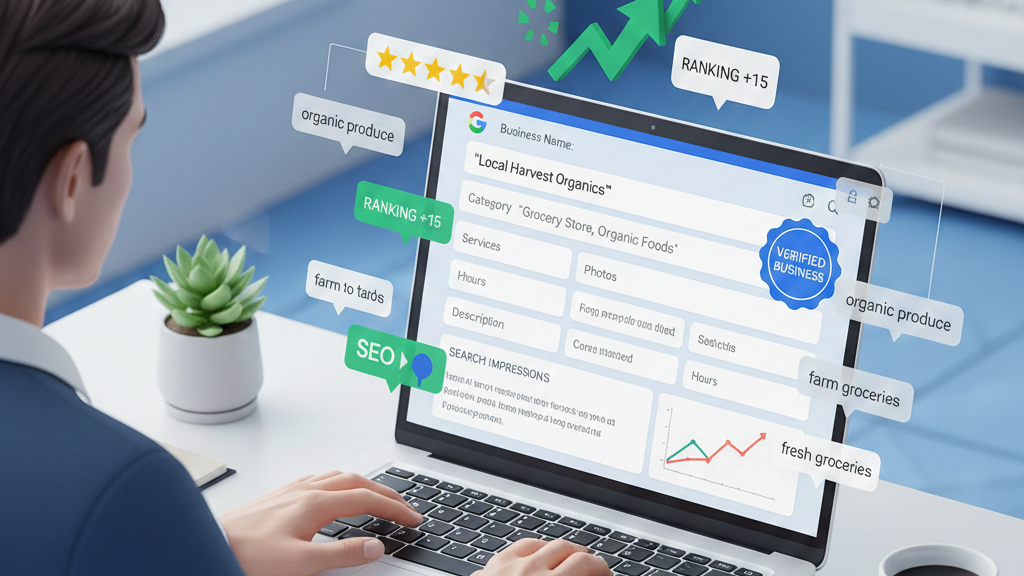
This is where most businesses fail. They create a profile but never optimize it properly.
1. Business Name Optimization
Your name should be:
- Real
- Brand-based
- Clean
Wrong: “Best Cheap Digital Marketing Agency in Darbhanga”
✅ Right: “GrowNext Digital Marketing Agency”
Keyword stuffing can get your profile suspended.
2. Business Description (Very Important)
Write a natural 750-character description that includes:
- Your main service
- Your city/location
- Your experience
- Your key benefits
Example:
We are a trusted digital marketing agency in Darbhanga helping small businesses grow with SEO, Google Ads, social media marketing, and website development. Our expert team focuses on real results, leads, and long-term online success.
3. Business Hours & Updates
Keep your timing accurate.
Update:
- Holidays
- Festival closing
- Emergency changes
Google trusts active profiles more than static ones.
4. Services & Products Section
Add:
- All your services
- With local keywords
- With proper descriptions
Example:
- Website Development in Darbhanga
- Instagram Marketing for Local Businesses
- Local SEO Services
This directly improves your keyword visibility.
5. Attributes
Add things like:
- Online appointments
- Wheelchair access
- UPI payments
- Free consultation
These improve click rate and trust.
Step 3: The Power of Reviews & Ratings (Your Biggest Ranking Weapon)
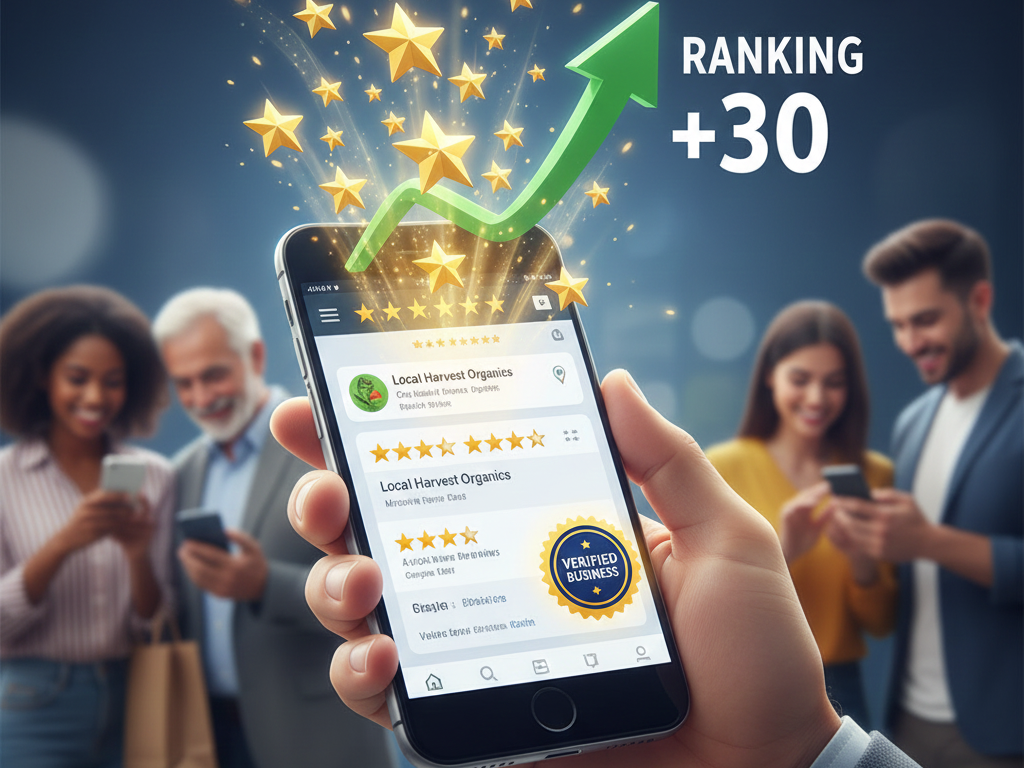
If you want to rank fast on Google Maps, you cannot ignore reviews. Reviews are the strongest ranking factor in local SEO.
Why Reviews Matter So Much
- They build instant trust
- They increase CTR
- They improve visibility
- They boost conversions
A business with 4.5+ rating and 50+ genuine reviews will always beat a business with 10 reviews.
How to Get More Real Reviews
- Ask every happy customer
- Send WhatsApp review link
- Add QR code in your shop
- Ask after successful service
Never buy fake reviews. Google can detect that easily and may permanently penalize your profile.
How to Reply to Reviews
Always reply—both positive and negative.
- 5-star reply example:
Thank you so much for your kind words. We’re happy to serve you and look forward to helping you again.
- Negative review reply example:
We’re sorry for your experience. Please contact us so we can resolve this issue immediately.
Professional replies increase trust and ranking.
Step 4: Local Keywords & Google Maps SEO Strategy
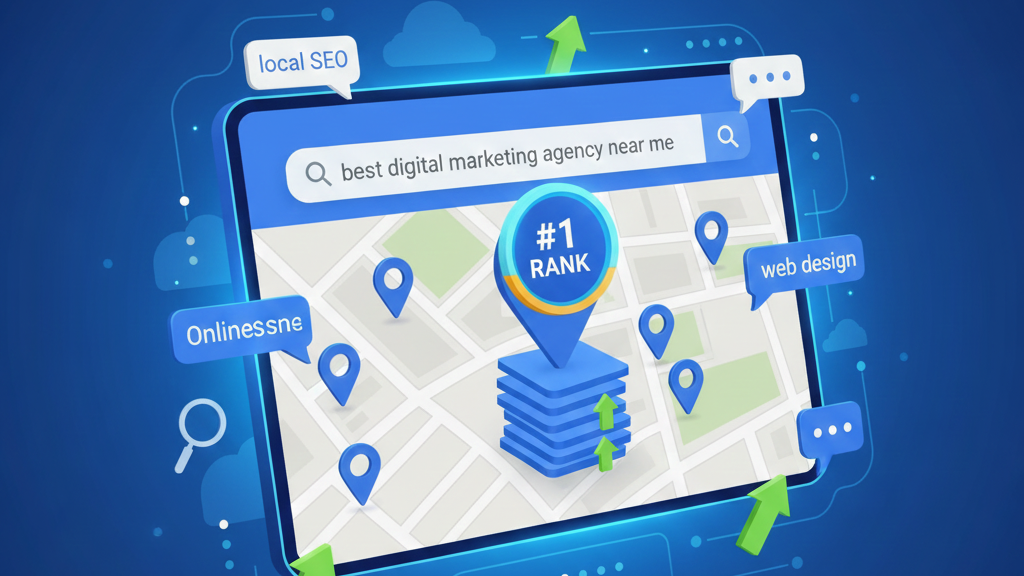
Local SEO runs on local keywords.
A normal SEO keyword is:
- “Digital marketing agency”
A local keyword is:
- “Digital marketing agency in Darbhanga”
Where to Use Local Keywords
- Business description
- Services section
- Website homepage
- Blog content
- Image names
- Review replies
Examples of Strong Local Keywords
- Best gym in Patna
- Mobile repair shop in Muzaffarpur
- Wedding photographer in Darbhanga
- AC service in Samastipur
When Google sees the same city name everywhere, it clearly understands where you should rank.
Step 5: Local Citations & Business Listings (Silent Ranking Boost)
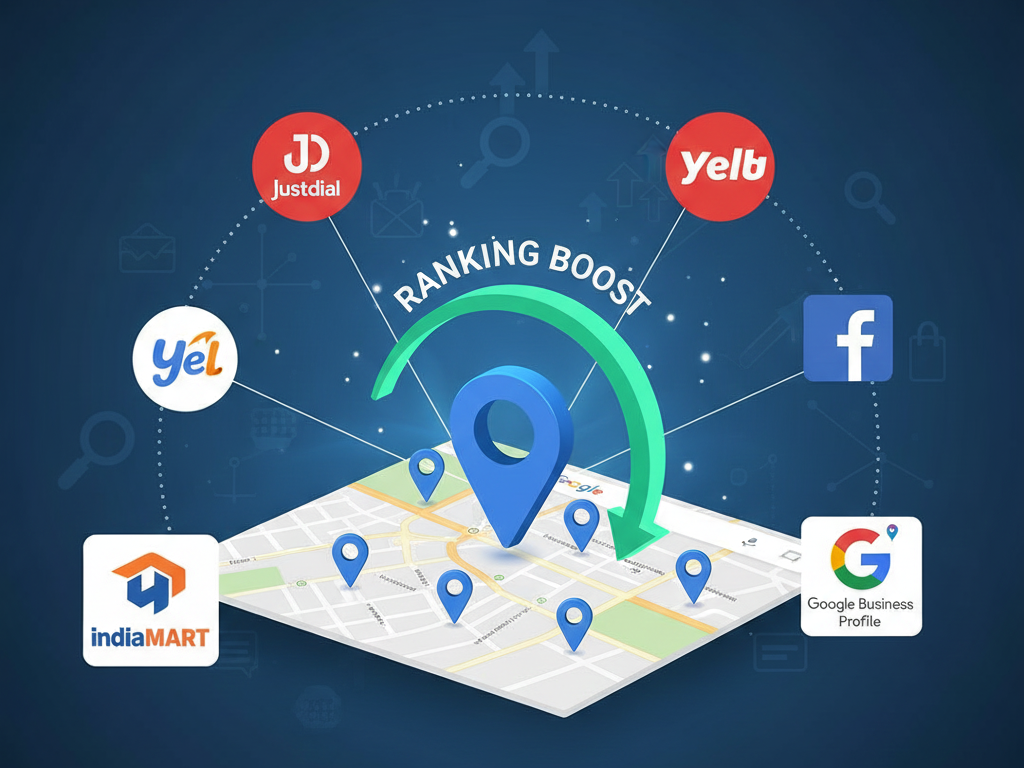
Local citations mean your business is listed on other trusted websites with the same NAP (Name, Address, Phone).
Top Indian Citation Sites
- Justdial
- IndiaMART
- Sulekha
- TradeIndia
- Facebook Business
- Bing Places
- Yelp
- Hotfrog
NAP Consistency Is Critical
Your:
- Business name
- Address
- Phone number
Must be exactly the same everywhere. Even small spelling mistakes can confuse Google and slow down your ranking.
Step 6: Website Optimization for Google Maps Ranking
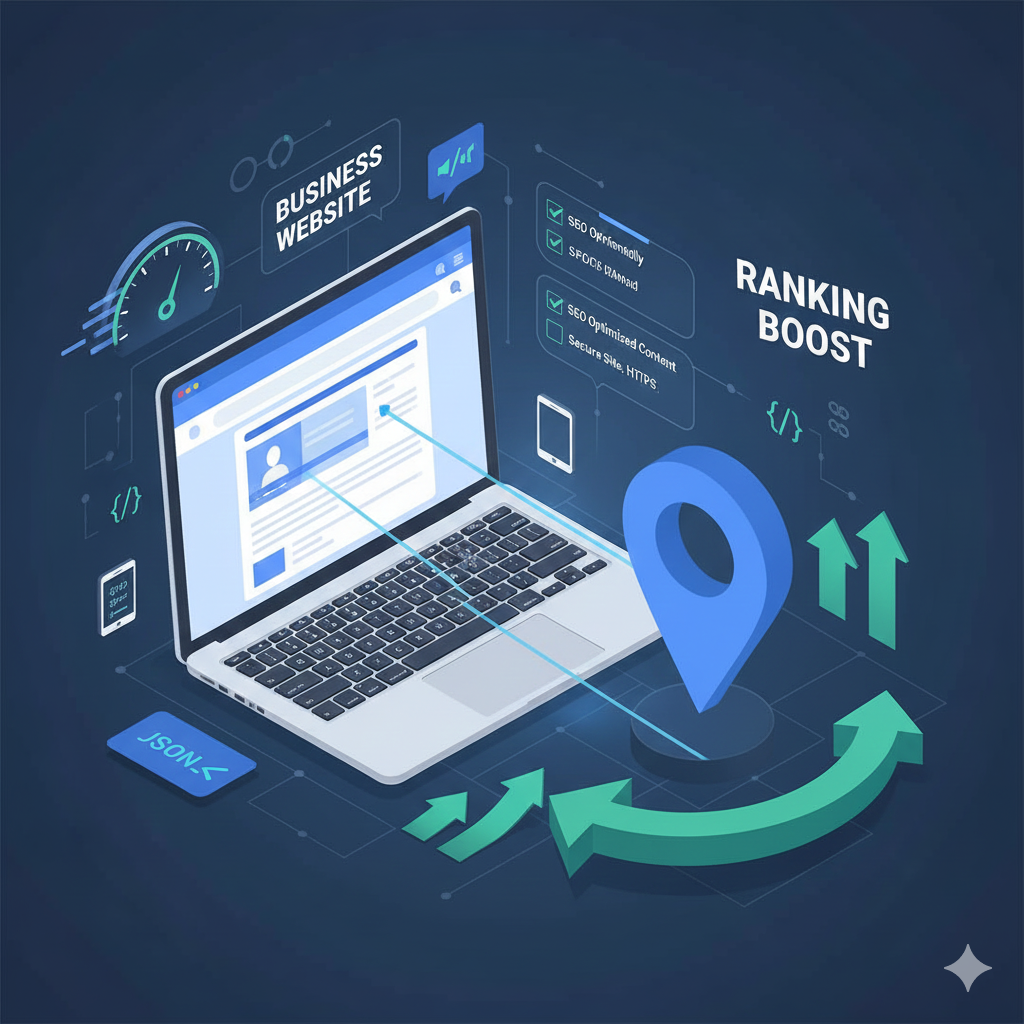
Many people think a website is not needed for Maps ranking. That’s wrong.
- A website:
- Builds authority
- Improves trust
- Supports ranking
- Converts visitors
Website Must Have
- Fast loading speed
- Mobile-friendly design
- Clear contact page
- Location mentioned clearly
- Embedded Google Map
- Local keywords on homepage
Create Location Pages If You Serve Multiple Areas
Example:
- /digital-marketing-agency-darbhanga
- /digital-marketing-agency-muzaffarpur
This helps you rank in multiple cities.
Step 7: Google Map Engagement Tricks That Boost Ranking Faster

Google loves active businesses, not dead profiles.
Do this regularly:
- Post updates every week
- Upload real photos
- Add offers
- Answer questions
- Add new services
Even uploading 2–3 photos per week improves visibility.
Real photos of your:
- Office
- Team
- Work process
- Customers
work better than stock images.
Step 8: How Backlinks Help Google Maps Ranking

Backlinks mean other websites linking to you.
Local backlinks are extremely powerful:
- News websites
- Local bloggers
- Business partners
- Event websites
- Directories
Even 5–10 strong local backlinks can push your profile to the top.
Common Google Maps Ranking Mistakes That Kill Your Growth
Many businesses unknowingly destroy their own ranking. Avoid these mistakes:
- Fake addresses
- Keyword stuffing in business name
- Buying fake reviews
- Ignoring profile for months
- Selecting wrong category
- Duplicate listings
- Inconsistent phone numbers
One mistake can drop your ranking overnight.
How Long Does It Take to Rank on Google Maps?
This depends on:
- Your city competition
- Your business category
- Your review count
- Your activity level
General Timeline
- Low competition: 30–45 days
- Medium competition: 60–90 days
- High competition: 3–6 months
Consistency is the real secret. Businesses that stay active always win in the long run.
Benefits of Ranking on Google Maps
When you rank on Google Maps, you get:
- Free daily leads
- High buying-intent traffic
- More phone calls
- More shop visits
- Strong local brand authority
- Long-term visibility
Unlike ads, this traffic never stops when money stops.
Future of Google Maps & Local SEO in 2026
Local SEO is becoming smarter every year.
In 2026, Google Maps will focus on:
- AI-based search results
- Voice search optimization
- Real-time crowd data
- AR-based navigation
- Hyperlocal personalization
Businesses that build strong real-world trust will dominate results.
Final Conclusion: Your Google Maps Ranking Is Your Digital Shopfront
In 2026, your Google Maps ranking is more powerful than your website, social media, and even ads combined. When a customer searches for your service and sees your business at the top with great reviews, the decision is already made in their mind.
The good news is—you don’t need a big budget.
You only need:
- A properly optimized profile
- Real reviews
- Consistent activity
- A strong local presence
If you follow the steps in this guide honestly, your business will rank on Google Maps—whether you are in a metro city or a small town.
Local businesses that understand Google Maps today will control their market tomorrow.